Honeypot
Below is a complete overview of the Krawl honeypot's capabilities
How a request is answered
Every fake reply comes from files in responses/, listed in
responses/manifest.yaml. Krawl tries three
layers in order:
- YARA reply. A rule fired and its
response_typeallows the method; see Bundled response types. - Page. The request path is in the manifest's
pages:section and the entry allows the method. - Trap maze. Any other GET gets a page of random links, with the canary token, crawl limit, tarpit and AI pages (see Tarpit and AI generation).
Every POST and PUT goes through credential capture first, whatever answers it:
form fields named in credentials.username_fields and
credentials.password_fields (in config.yaml) are logged. The reply is then
the page for that path if it allows the method, otherwise the login_failed
page.
The pages: section
pages:
  /login:
    aliases: [/admin, /admin/, /admin/login]
    content_type: text/html
    files: [pages/login_form/*.html]
  /api/contact:
    methods: [POST]
    echo: true                  # reflects {{path}}, {{query}}; adds CSP script-src 'none'
    content_type: text/html
    files: [pages/contact_reply/*.html]
  /api/:                        # trailing slash: prefix match
    content_type: application/json
    files: [pages/api_default/*.json]
  login_failed:                 # required: reply to any other POST/PUT
    content_type: text/html
    files: [pages/login_failed/*.html]
content_typeandfilesare required.methodsdefaults to[GET, HEAD],statusto[200],echotofalse,aliasesto[]. One file and one status are picked at random per request.- A key or alias ending in
/matches everything below it; the longest prefix wins, and an exact path beats any prefix. Matching is case-sensitive and ignores the query string. /robots.txtandlogin_failedare required./robots.txtlists exactly one file, because IP scoring and the AI page filter read itsDisallow:lines.- The trap maze's page shell is
responses/trap/main_page.html(custom_template_pathstill overrides it). - Krawl does not start when an entry has an unknown key, a path is listed twice,
a glob matches no file, or a file is empty, over 256 KB or outside
responses/.
To add a bait page, add its files under responses/pages/<name>/ and an entry
to pages:, then restart Krawl. Pages holding fake accounts or secrets should
ship at least five files, so repeated requests differ. Replace the bundled files
in your deployment: they are the same in every Krawl install.
/api/contact reflects the query string only; the POST body is captured but not
echoed back.
Moving from wordlists.json
Krawl no longer reads wordlists.json. If one is still mounted, Krawl logs one
warning at startup and ignores it. Move any values you customised:
| wordlists.json key | Now |
|---|---|
proxy_headers |
server.proxy_headers in config.yaml (KRAWL_PROXY_HEADERS) |
server_headers |
server.server_headers in config.yaml (KRAWL_SERVER_HEADERS) |
credential_fields.username_fields |
credentials.username_fields (KRAWL_CREDENTIAL_USERNAME_FIELDS) |
credential_fields.password_fields |
credentials.password_fields (KRAWL_CREDENTIAL_PASSWORD_FIELDS) |
error_codes |
behavior.error_codes (KRAWL_ERROR_CODES) |
scoring_weights |
analyzer.scoring_weights |
usernames, passwords, emails, api_keys, databases, applications, users, directory_listing, server_errors, sql_errors |
files under responses/pages/ (bait pages) and responses/sql_error/ (SQL errors) |
attack_patterns, suspicious_patterns, fake_*, xxe_responses, command_outputs |
removed; detection is YARA-only and attack replies are files under responses/ |
In Helm, the wordlists: values and their ConfigMap are gone; set the keys
above under config: instead.
robots.txt
The actual (juicy) robots.txt configuration is the following.
Honeypot pages
Common Login Attempts
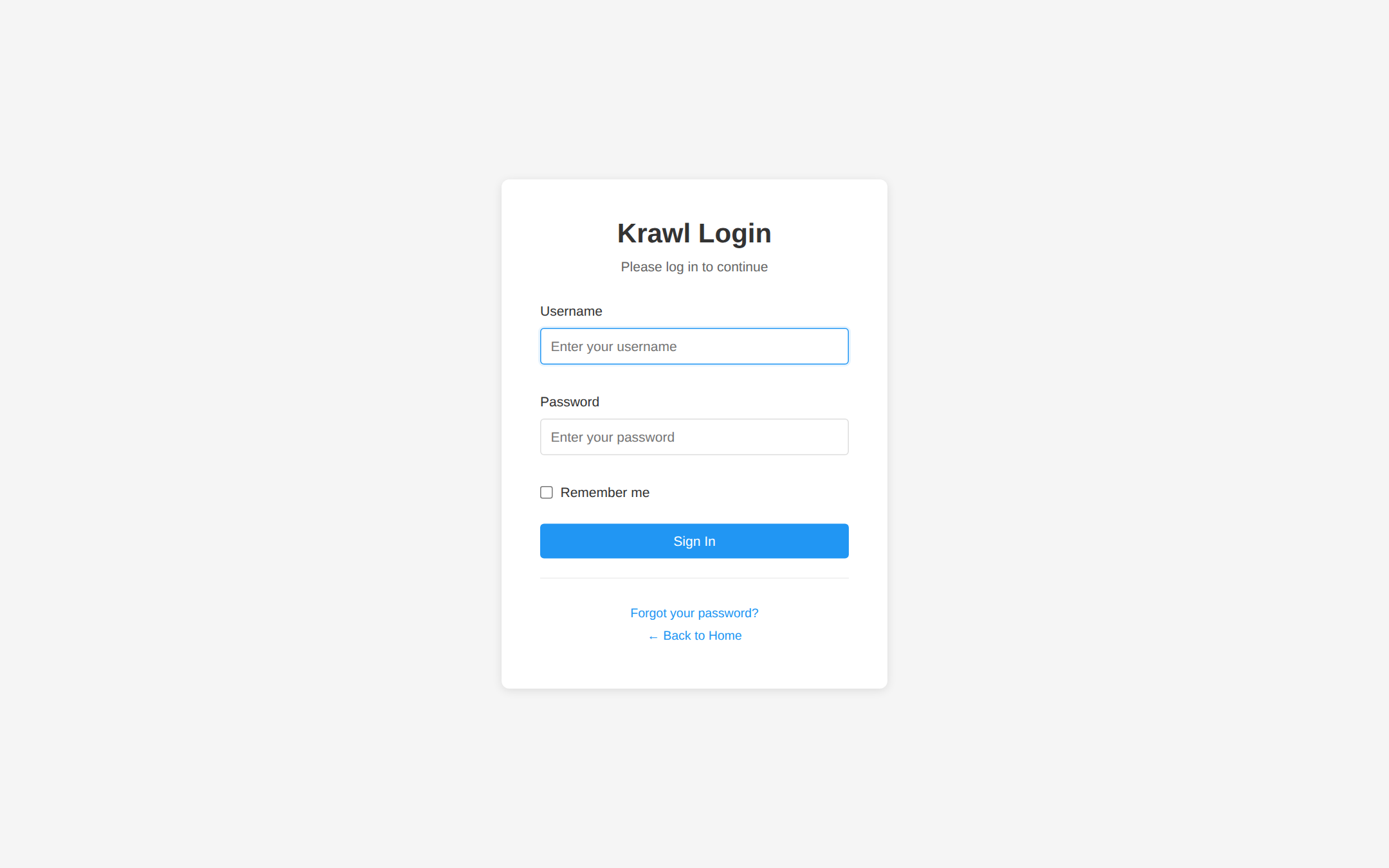
Requests to common admin endpoints (/admin/, /wp-admin/, /phpMyAdmin/) return a fake login page. Any login attempt triggers a 1-second delay to simulate real processing and is fully logged in the dashboard (credentials, IP, headers, timing).
Common Misconfiguration Paths
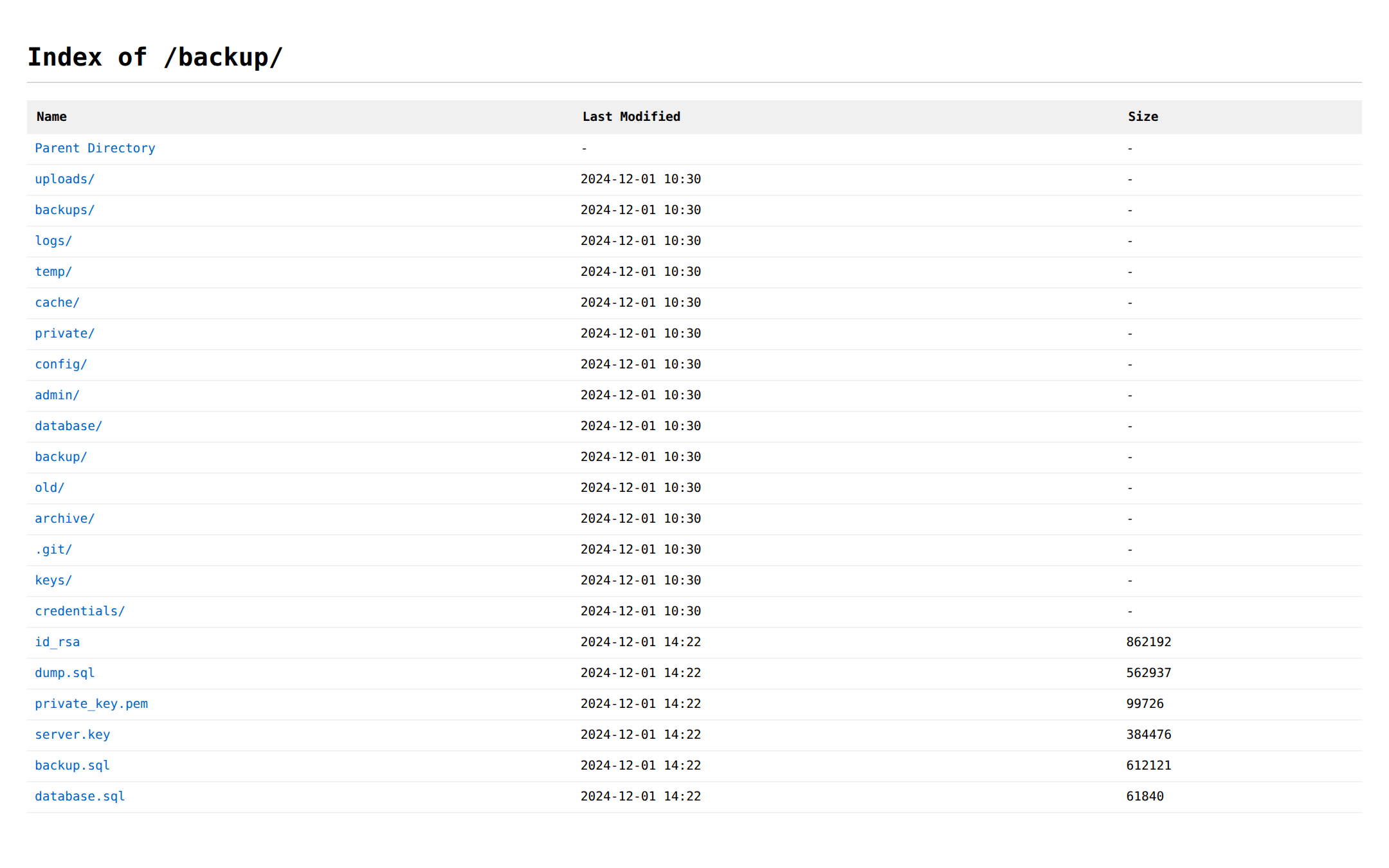
Requests to paths like /backup/, /config/, /database/, /private/, or /uploads/ return a fake directory listing populated with "interesting" files.
Environment File Leakage
The .env endpoint exposes fake database connection strings, AWS API keys and API secrets, as plain text.
Server Error Information
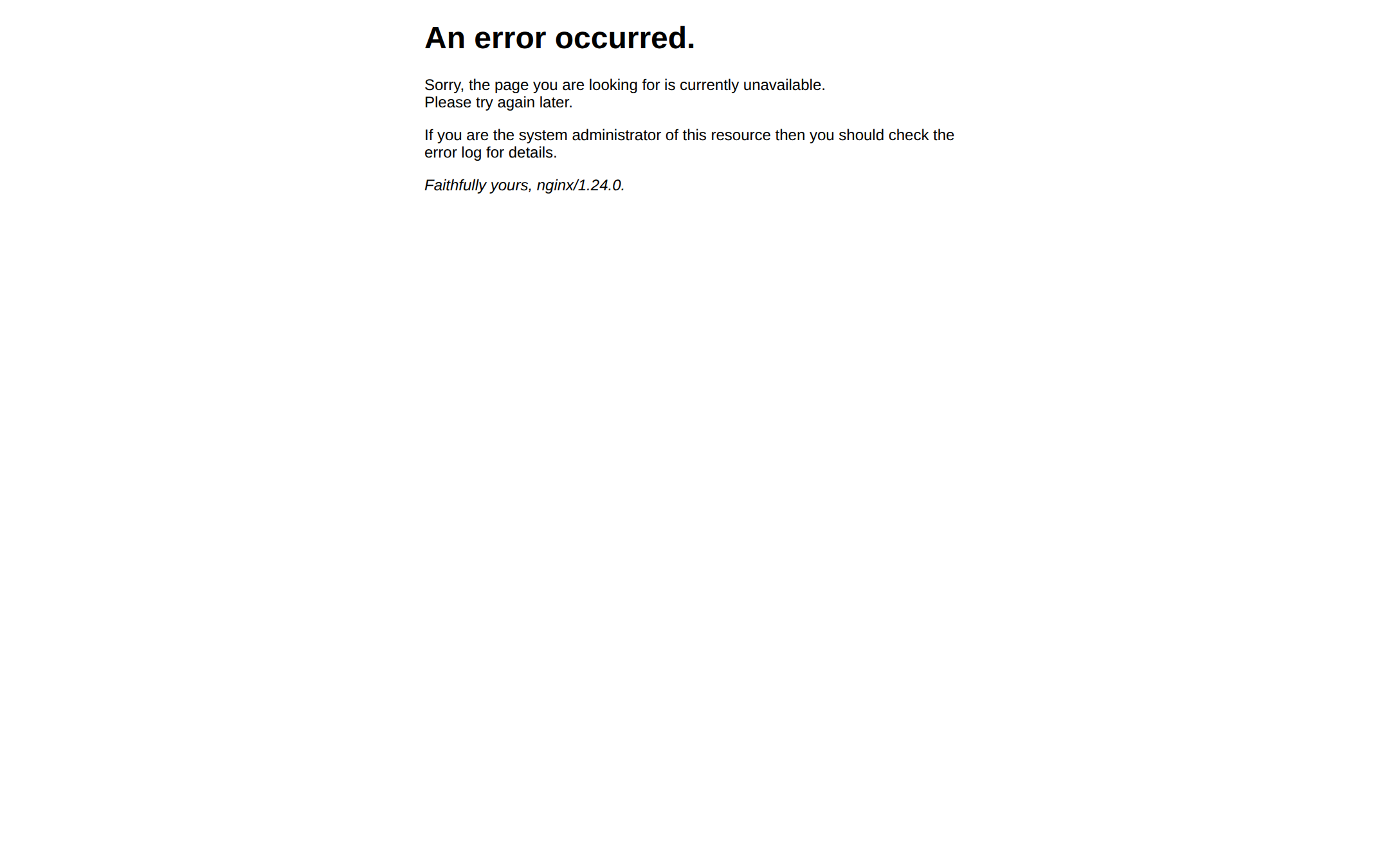
The /server page returns a fake 500 error page from Apache, nginx or IIS.
API Endpoints with Sensitive Data
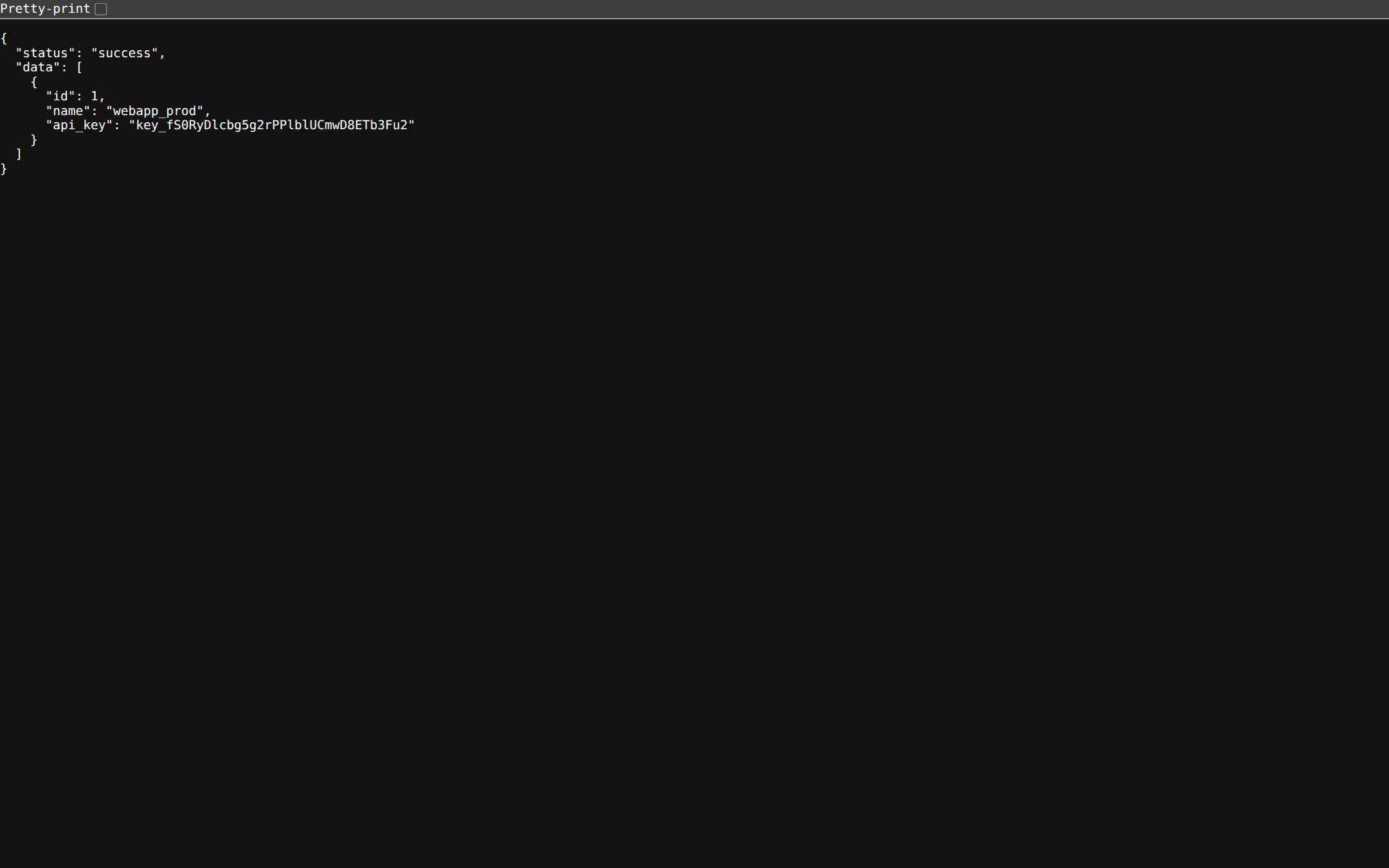
The pages /api/v1/users and /api/v2/secrets show fake users and random secrets in JSON format
Exposed Credential Files
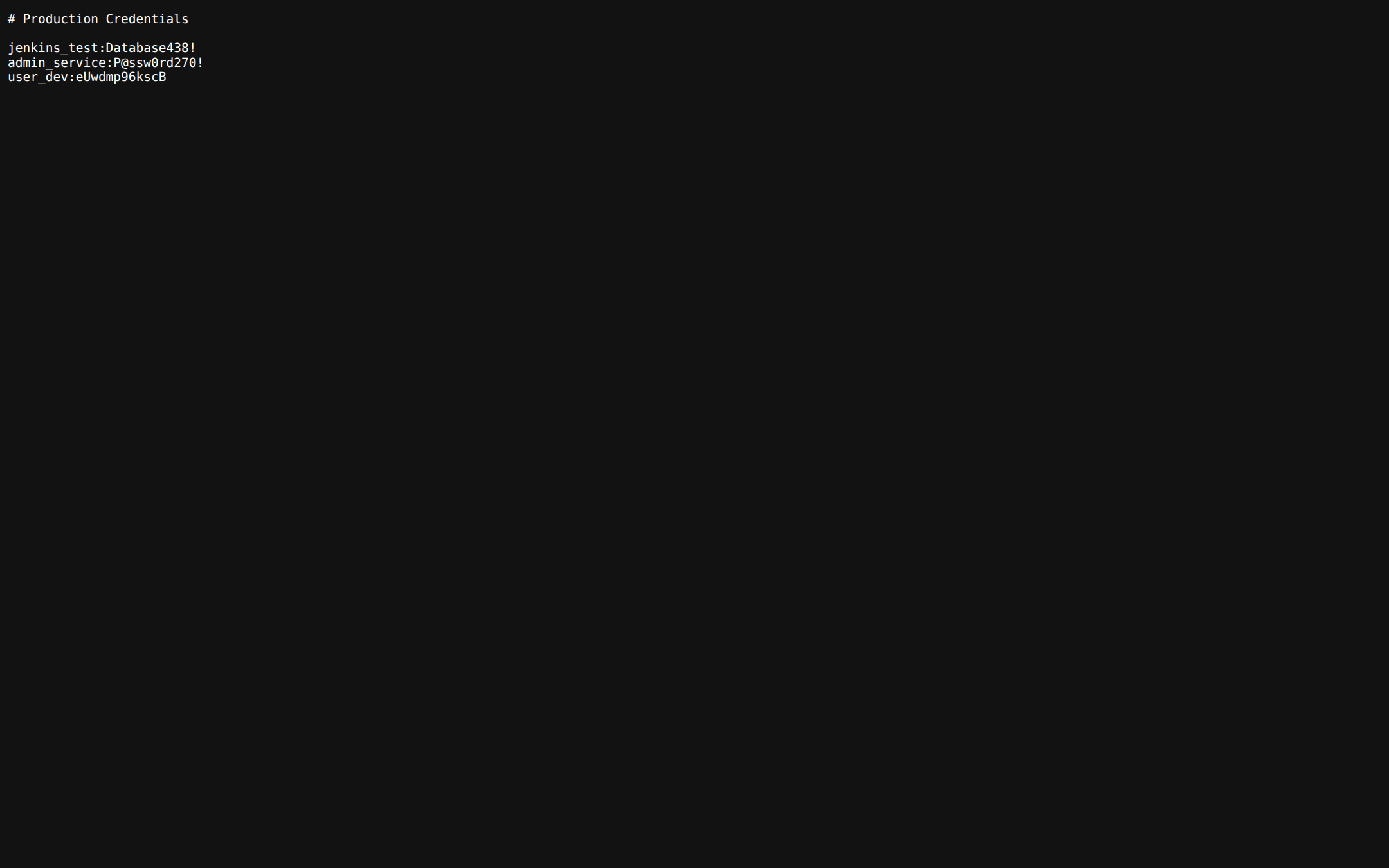
The pages /credentials.txt and /passwords.txt show fake users and random secrets
SQL Injection and XSS Detection
Pages such as /users, /search, /contact, /info, /input, and /feedback, along with APIs like /api/sql and /api/database, are designed to lure attackers into performing attacks such as SQL injection or XSS.
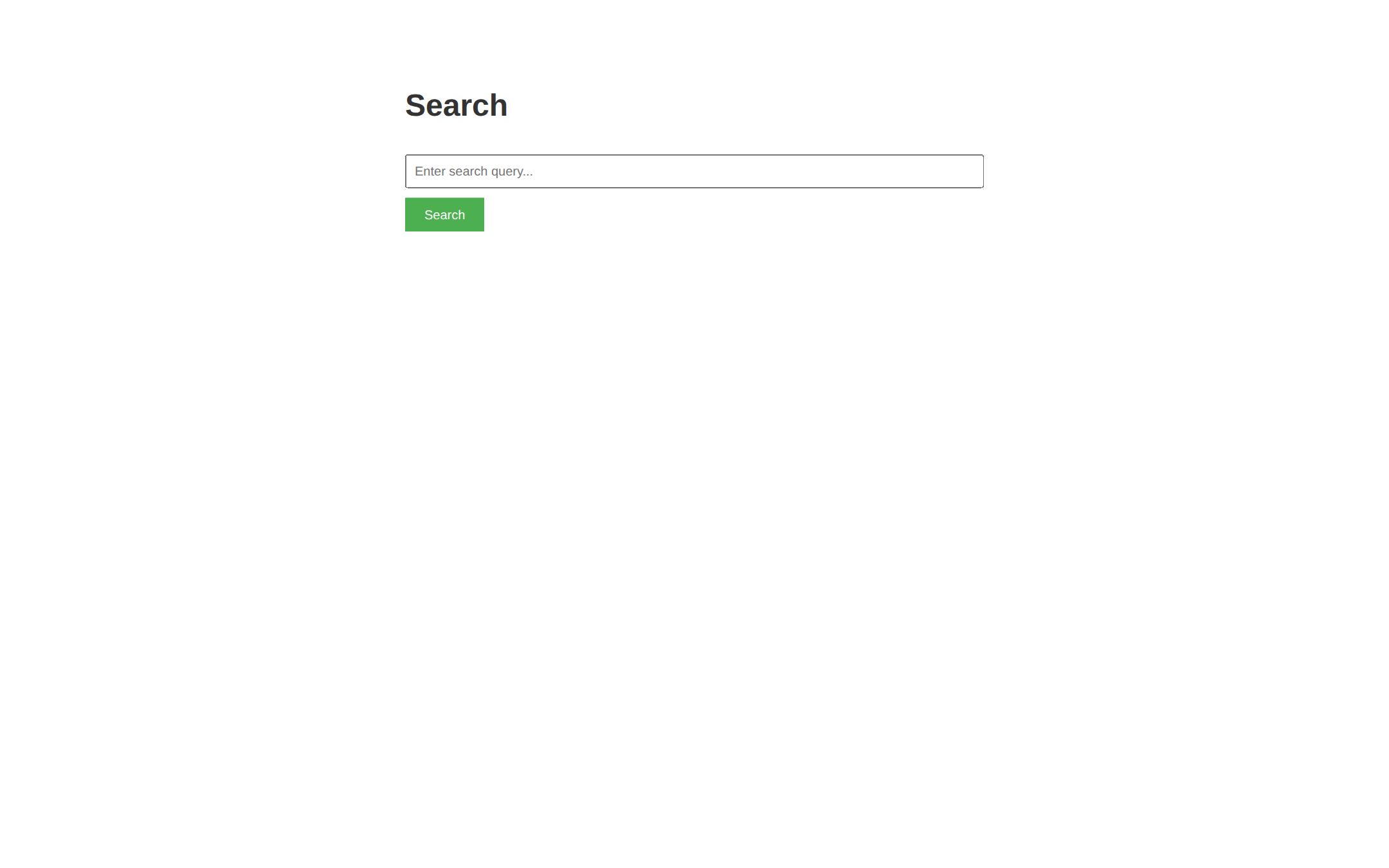
Automated tools like SQLMap receive a database error picked from several files, matched to the database the payload targets (MySQL, PostgreSQL or SQL Server). All detected attacks are logged and displayed in the dashboard.
Path Traversal Detection
Krawl detects and responds to path traversal attempts targeting common system files like /etc/passwd, /etc/shadow, or Windows system paths. When an attacker tries to access sensitive files using patterns like ../../../etc/passwd or encoded variants (%2e%2e/, %252e), Krawl returns convincing fake file contents with realistic system users, UIDs, GIDs, and shell configurations. This wastes attacker time while logging the full attack pattern.
XXE (XML External Entity) Injection
The /api/xml and /api/parser endpoints accept XML input and are designed to detect XXE injection attempts. When attackers try to exploit external entity declarations (<!ENTITY, <!DOCTYPE, SYSTEM) or reference entities to access local files, Krawl responds with realistic XML responses that appear to process the entities successfully. The honeypot returns fake file contents, simulated entity values (like admin_credentials or database_connection), or realistic error messages, making the attack appear successful while fully logging the payload.
Command Injection Detection
Pages like /api/exec, /api/run, and /api/system simulate command execution endpoints vulnerable to command injection. When attackers attempt to inject shell commands using patterns like ; whoami, | cat /etc/passwd, or backticks, Krawl responds with realistic command outputs. For example, whoami returns fake usernames like www-data or nginx, while uname returns fake Linux kernel versions. Network commands like wget or curl simulate downloads or return "command not found" errors, creating believable responses that delay and confuse automated exploitation tools.